
We’ve made managing your irrigation easier than ever with WeatherTRAK Central’s new Manage page. The newly added calendar view helps you see what your controller is doing and what it plans to do, all from one page. You can now easily see when and why the controller is going to irrigate without generating a report.
Effortless tracking
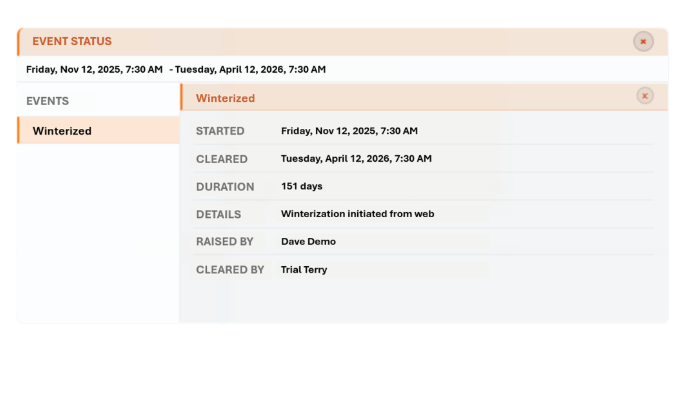
The calendar view’s events let you see an overview of everything that happened on your site. You can now see who ran a manual water, and when they ran it. If there was a rain pause, you can now see why. You’re in control of your site’s past, present, and future.
Improved Workflow
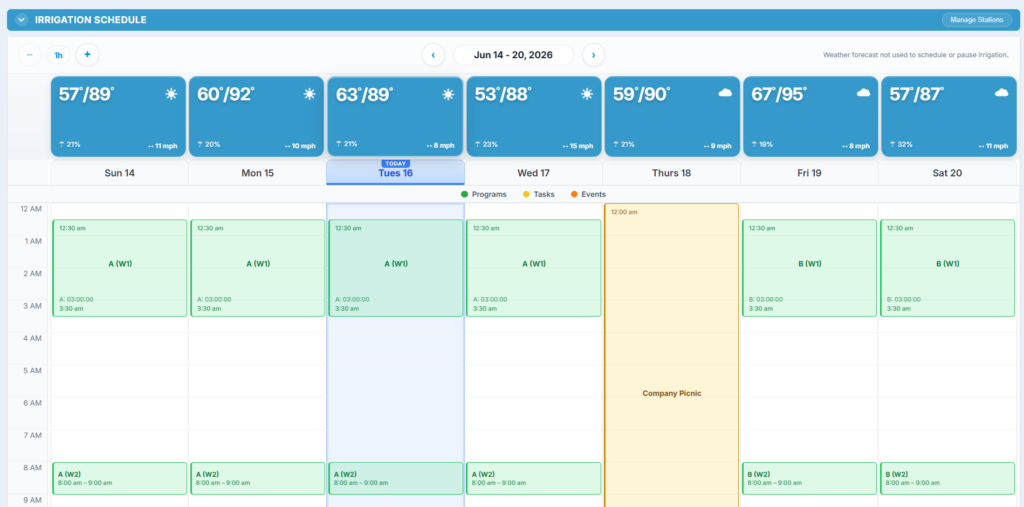
It’s never been easier to understand what your controller is doing. The Calendar view shows you which programs are running, and exactly when they will run. The built-in weather information helps you see how irrigation will be impacted by your site’s conditions.
Manage From One Page
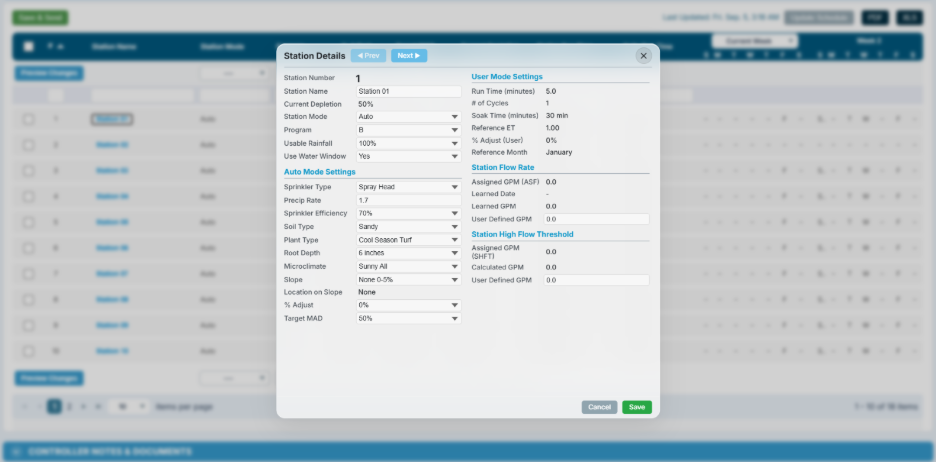
With the old Manage Controller Page, you could only view program and station configurations. The New Manage Controller page lets you edit program configurations and station configurations directly from the Manage Controller page without moving between WeatherTrak Central pages.
How to start
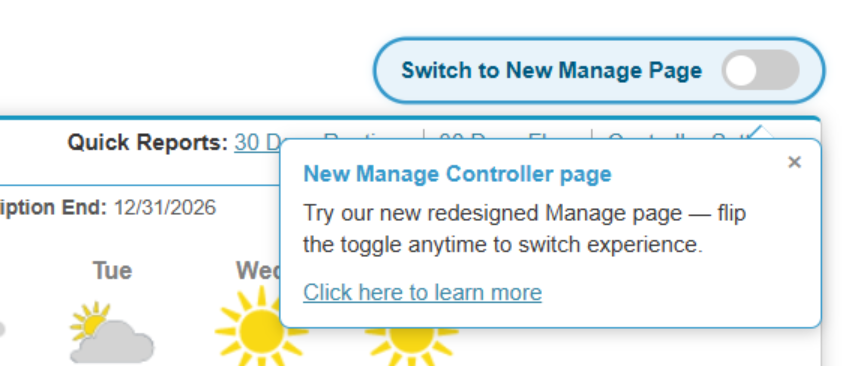
To start using the new manage page, click the toggle at the top of the manage controller page. For now, you can switch between the old and new pages, but we will be switching over to the new page in the near future.
For information about how to use the manage page, click here.
